update and manage the Go tools in your $GOBIN
go install puts a binary in $GOBIN and never touches it again. gup manages
that set: it updates every tool in parallel, pins the ones that must stay put,
and exports the whole set so another machine can reproduce it.
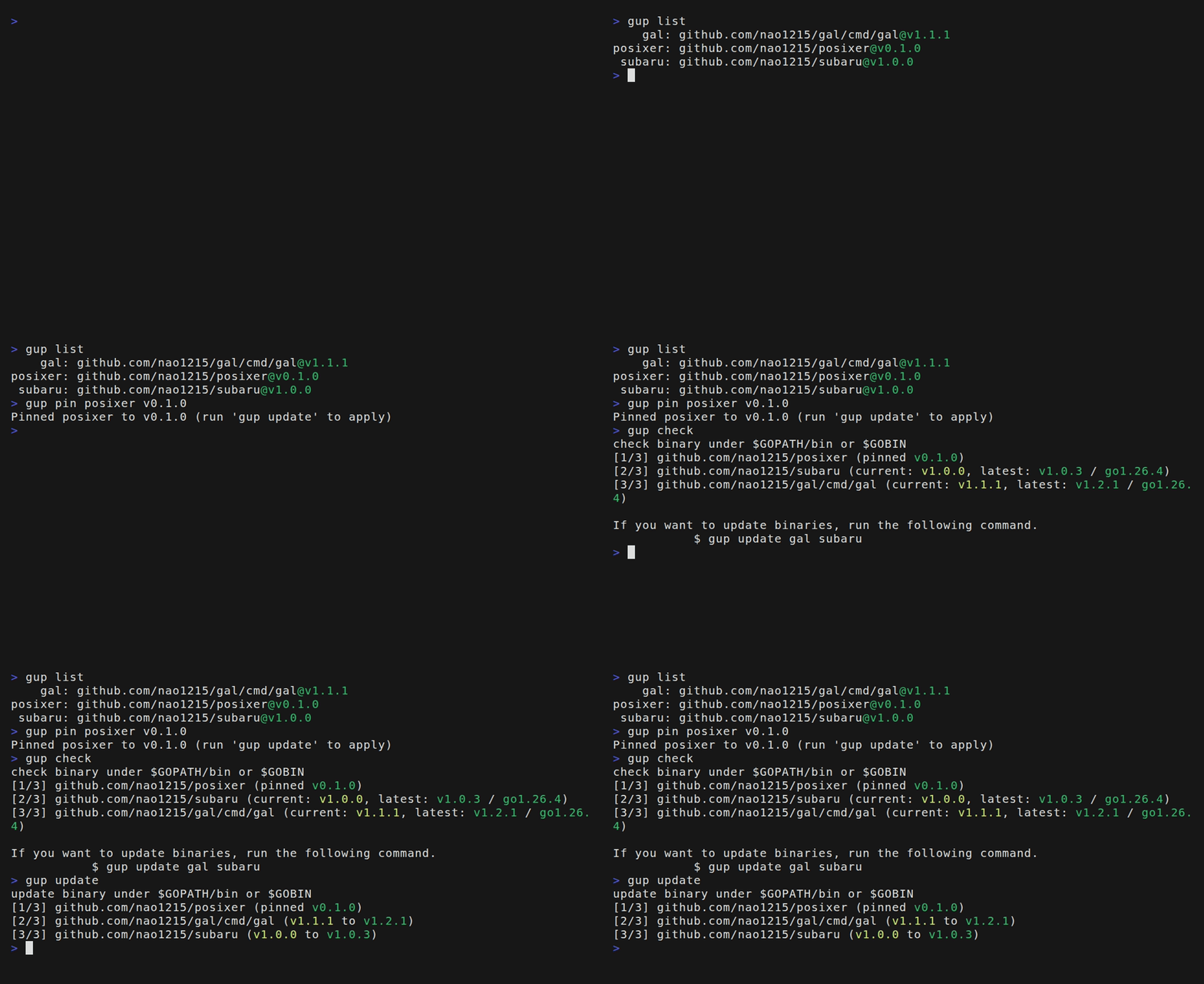
Try it in 30 seconds #
go run github.com/nao1215/gup@latest check
check binary under $GOPATH/bin or $GOBIN
[1/3] github.com/nao1215/gup (current: v0.7.0, latest: v0.7.1 / go1.26.4)
[2/3] github.com/x-motemen/ghq (Already up-to-date: v1.6.3 / go1.26.4)
[3/3] golang.org/x/tools/gopls (Already up-to-date: v0.20.0 / go1.26.4)

If you want to update binaries, run the following command.
           $ gup update gup
Nothing to configure: the binaries already in $GOBIN carry the build info gup
reads. check never installs anything.
Three things to try next #
gup update                       # bring the whole set up to date, in parallel
gup pin golangci-lint v1.62.0    # hold one tool where CI holds it
gup export                       # write the set to gup.json for another machine
The cookbook has the rest: branch channels, --json for scripts,
migrating to a new $GOBIN after a Go upgrade, and reading a failed update.
Why gup? #
Pick the tool that fits the job:
| You want | Use |
|---|---|
Tools scoped to one project, recorded in its go.mod | go tool |
| A declarative, multi-language runtime and tool manager | mise, aqua |
To update the Go binaries already in your $GOBIN, in parallel, with pins | gup |
gup’s emphasis is the toolbox you carry between projects: the commands you run from any directory and keep alongside your dotfiles.
Install #
go install github.com/nao1215/gup@latest
Homebrew, winget, mise, nix, aqua, the AUR, and prebuilt packages are on the install page.
Integrations #
gup runs inside higher-level upgrade tools. Nothing extra is needed on the gup side.
- Topgrade has run
gup updatein its Go step since v10.2.0. Binaries can be skipped withgup_exclude(v17.3.0 and later). - Meta Package Manager lists, checks, removes, and upgrades the binaries gup manages. The support ships in its upcoming v8.0.0.