A YAML-first 2D RPG, visual novel and strategy game framework for Go with a fast edit–play loop
Gozen is a YAML-first framework for 2D RPGs, visual novels and strategy games in Go and Ebitengine. You, or your coding agent, write the game as YAML: places, battles and skills for an RPG; lines, choices and staging for a novel, with roll back, skip and a second language; regions, generals and orders for a campaign. gozen check, gozen sim battle and gozen sim campaign catch broken references and bad balance before anyone plays. While you play, you leave a note on the exact moment, watch live win rates, and reload the YAML without restarting.
The name: Ebitengine is named after ebiten (海老天), shrimp tempura. In Japan, an ebiten gozen (御膳) is a set meal on one tray: shrimp tempura with soba, small side dishes, and a sweet such as dango. Gozen is that tray for Ebitengine: the engine served with everything a game needs. The name also starts with Go.
| RPG: Go Zen | Novel: After the Pass |
|---|---|
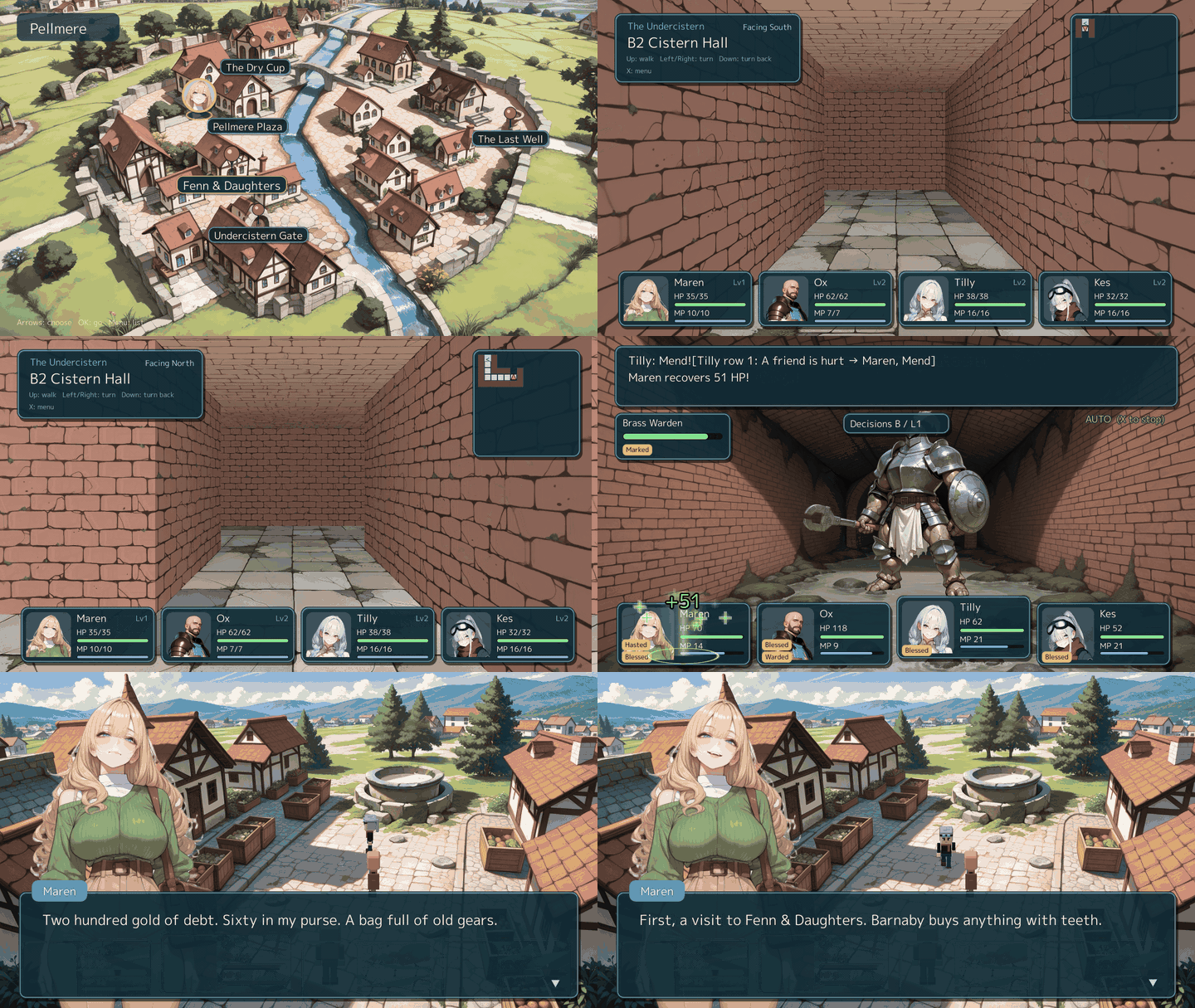 | 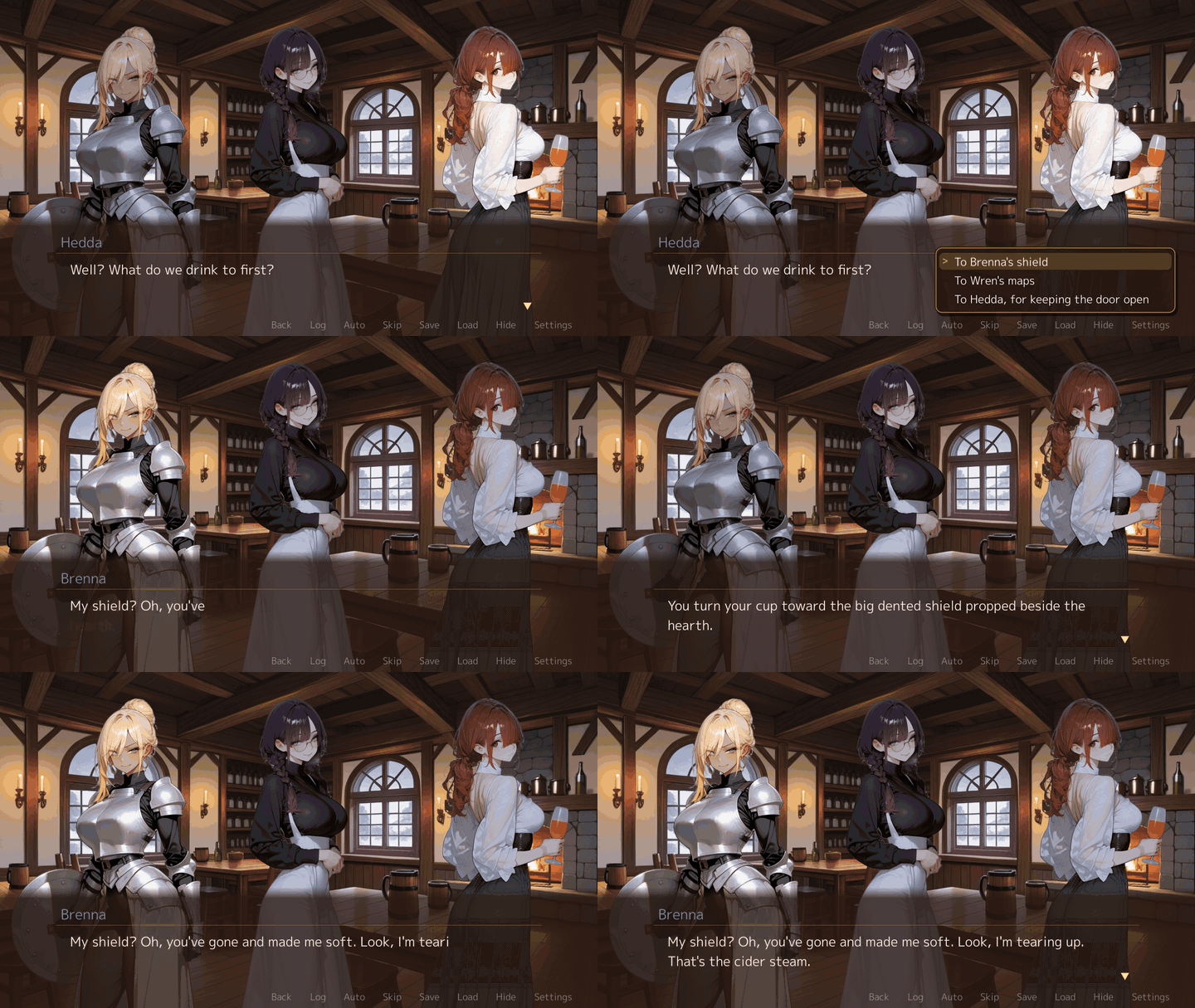 |
| Campaign: Five Banners (play in browser) | |
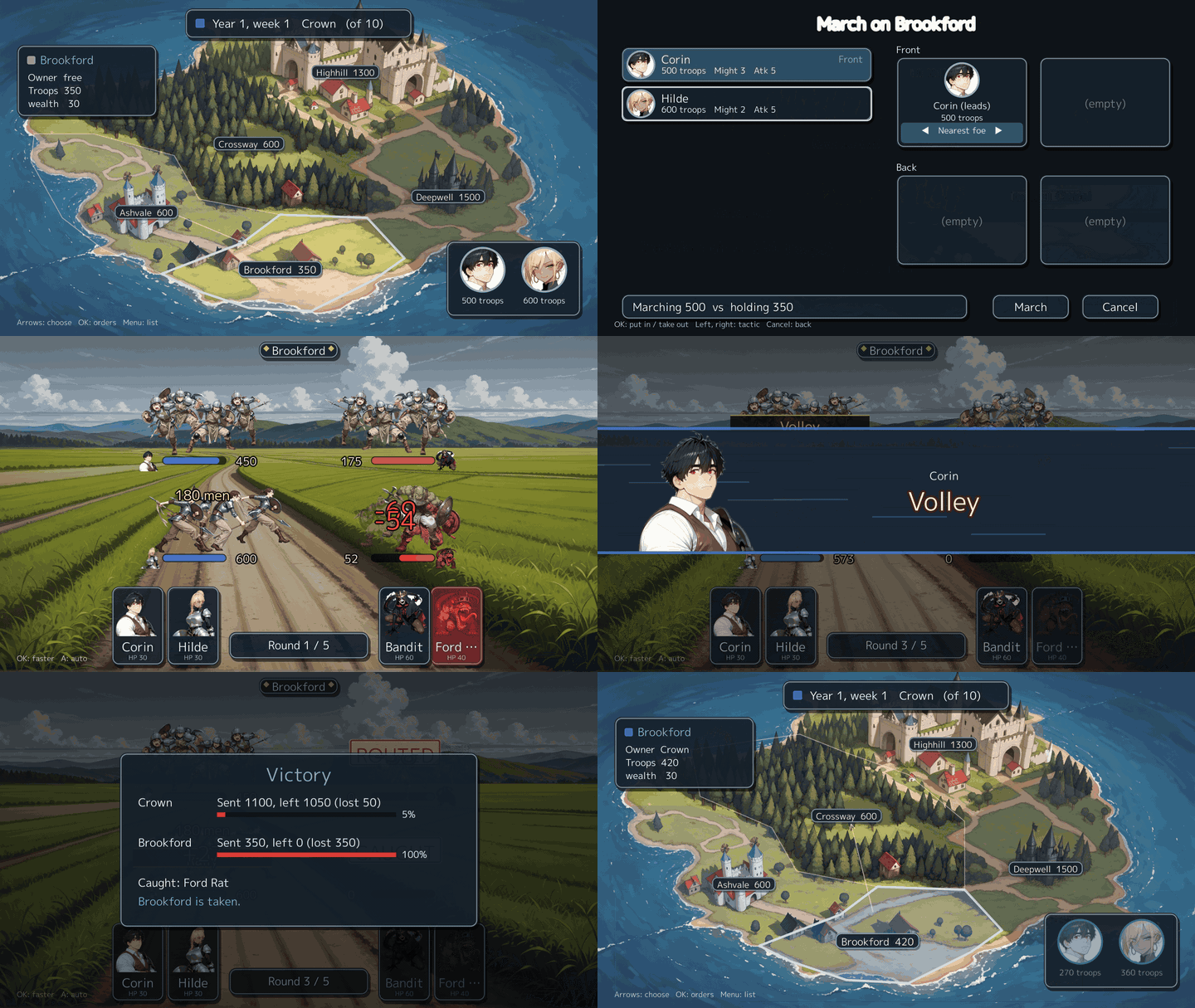 |
Try it in 30 seconds #
With Go 1.26.10 or later, paste this. It needs no display and no assets:
go run github.com/nao1215/gozen/examples/minimal@latest
location=camp gold=2
That game is two YAML files and a 43-line Go host. The sample above is Go Zen, a module of its own. Play it from a clone:
git clone https://github.com/nao1215/gozen
cd gozen/examples/go-zen
go run . --mute
Or play Go Zen and After the Pass in the browser.
On Linux the window needs X11 and OpenGL; see Install.
The loop #
Making a game is mostly tuning: a line that reads wrong, a boss that is too hard, a dungeon that is too long, a war that one side always wins. Gozen shortens each round.
| Step | What you do |
|---|---|
| Write | Put places, battles, skills, enemy tactics, events and dialogue in YAML. Text is easy to write, diff and review, for you and for an agent. |
| Check | gozen check game reports broken references, wrong expressions, missing pictures and text that overflows its window, with file and line. |
| Measure | gozen sim battle fights a battle hundreds of times and prints the win rate. gozen sim dive plays a whole dungeon dive. |
| Play | Run the game with --dev: start anywhere, autoplay at high speed, record and replay a trace. |
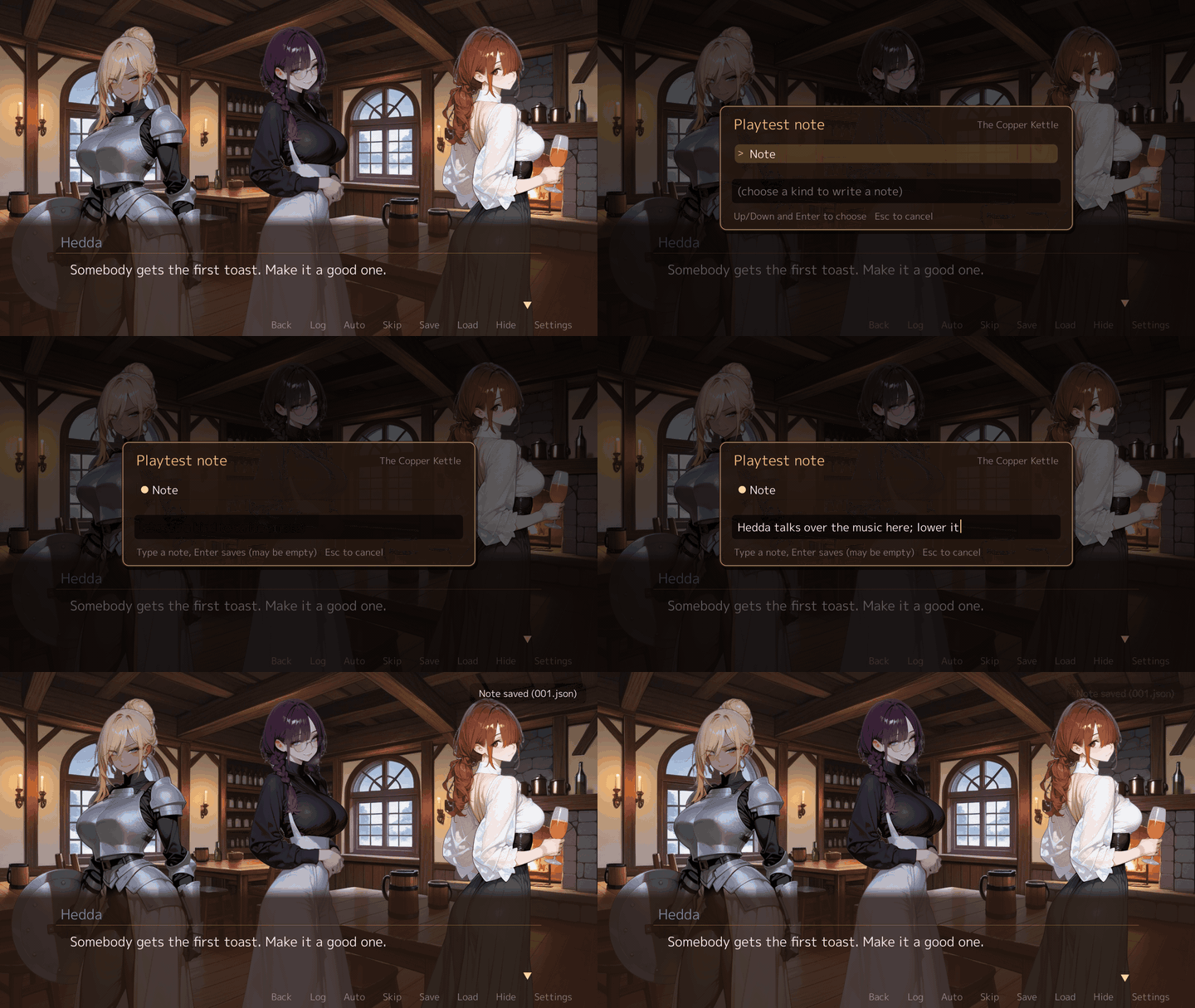
| Note | Press F9 to save a note with a screenshot and the game state. --from-memo starts the game again at that line. |
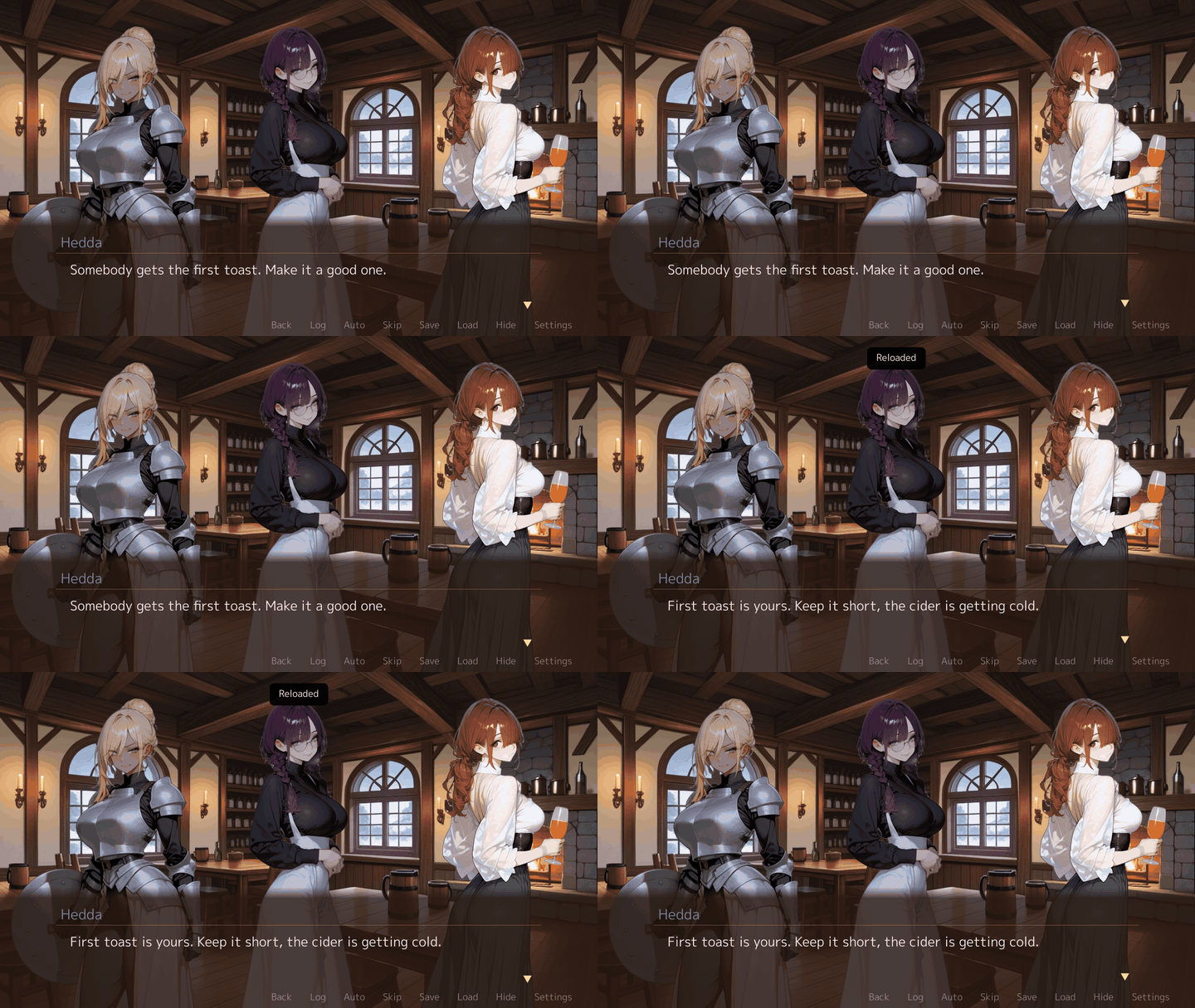
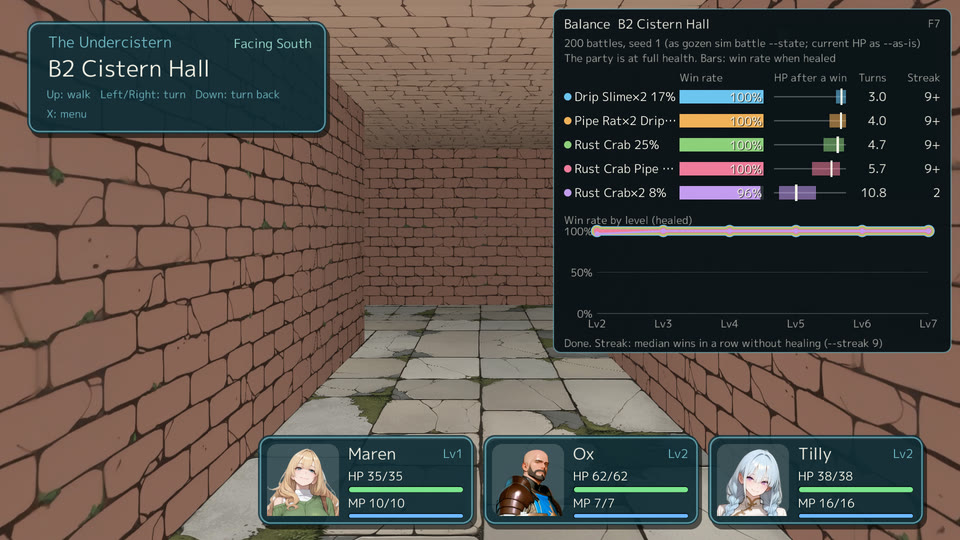
| Fix | Edit the YAML and press F5. The game reloads its definitions and keeps your place. F7 shows the win rates of the battles here. |
data/world.yaml:26:5: locations.grotto.encounters: unknown troop "lessn" [GZN1101]
The rules are shared by the window, a headless driver and the command line, so a test in CI and a player see the same game.
Screens #
All from Go Zen at 1920x1080.
| Conversation | Painted scene |
|---|---|
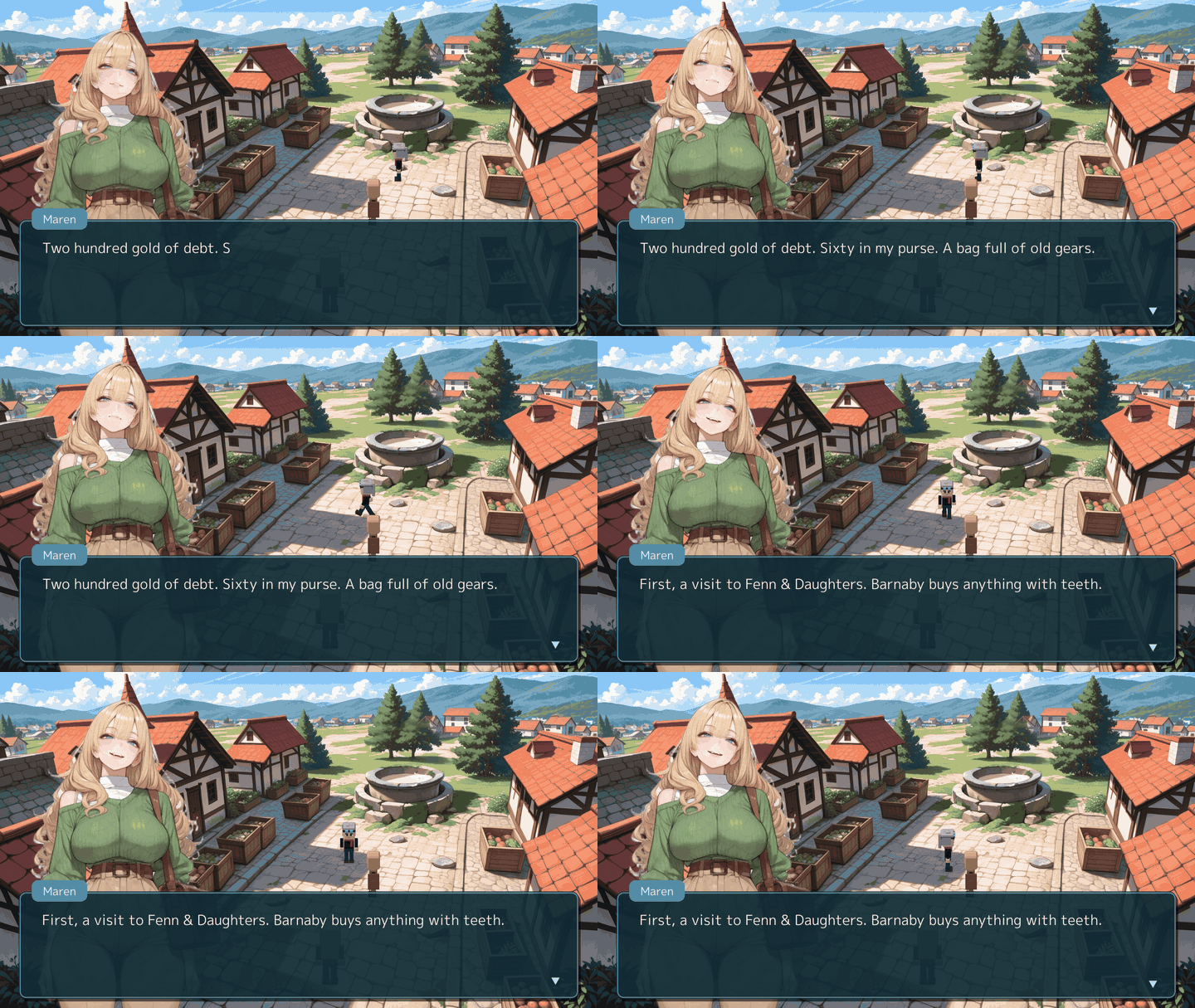 | 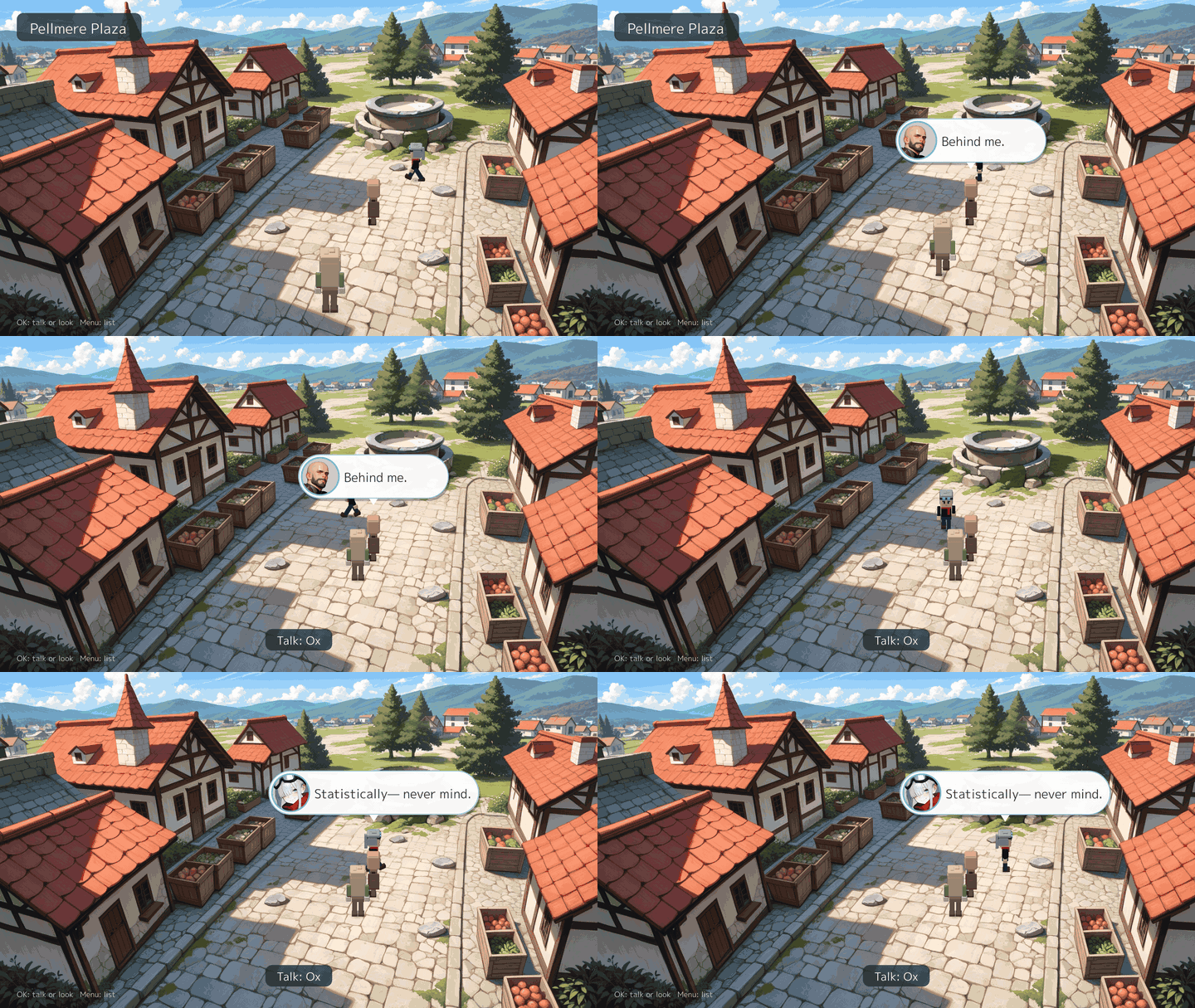 |
| Town map | First-person dungeon |
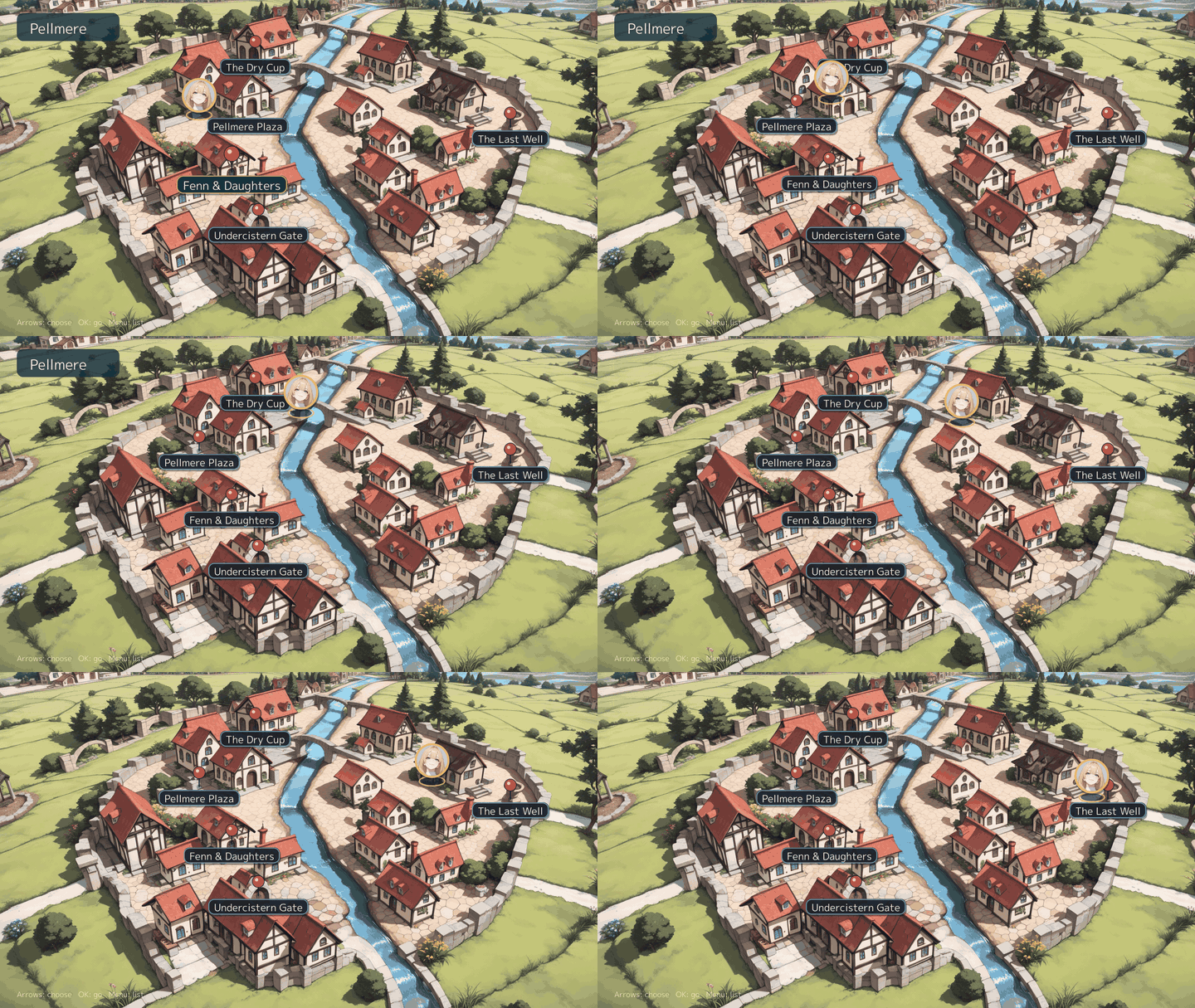 | 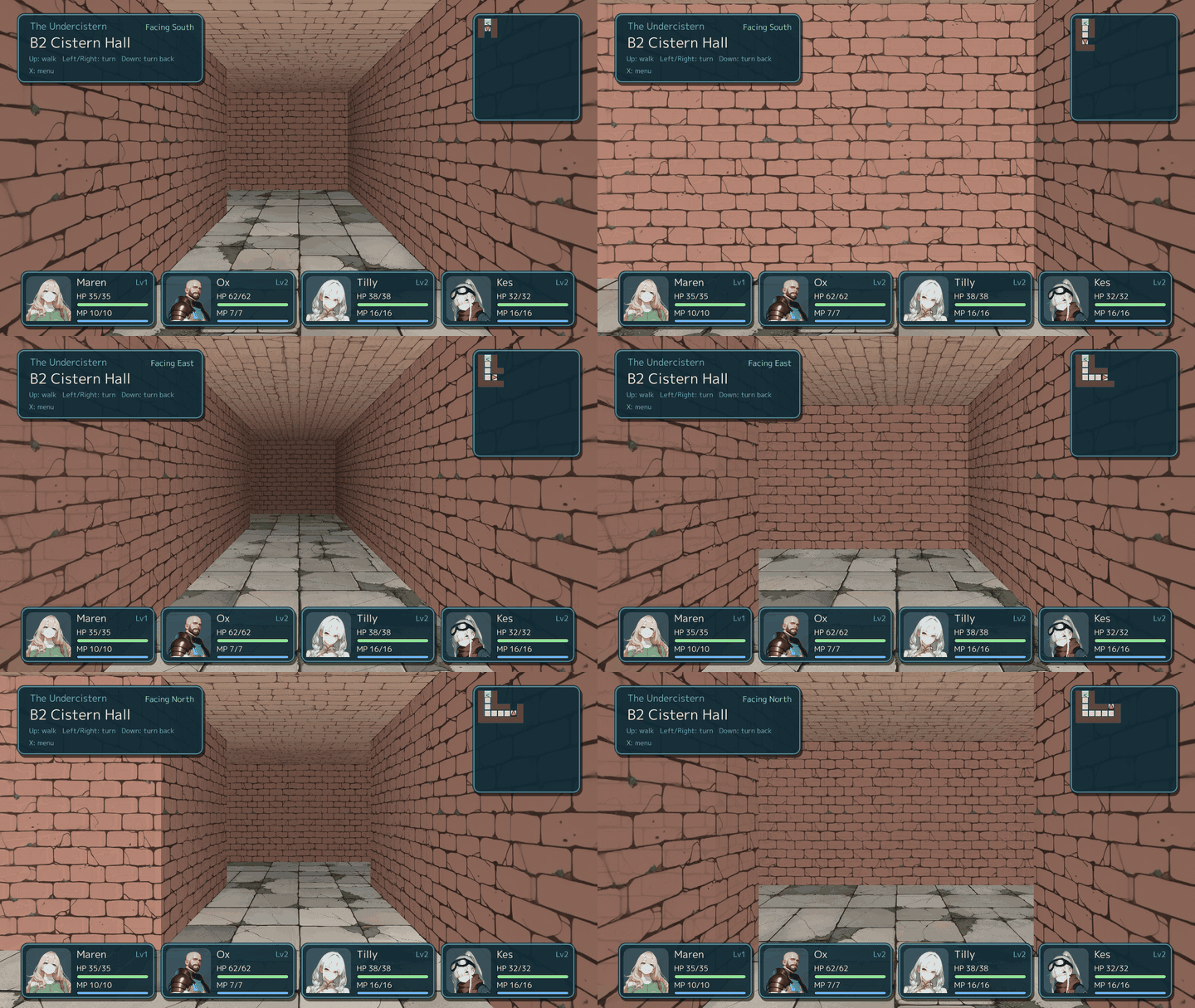 |
| Battle | Cut-in |
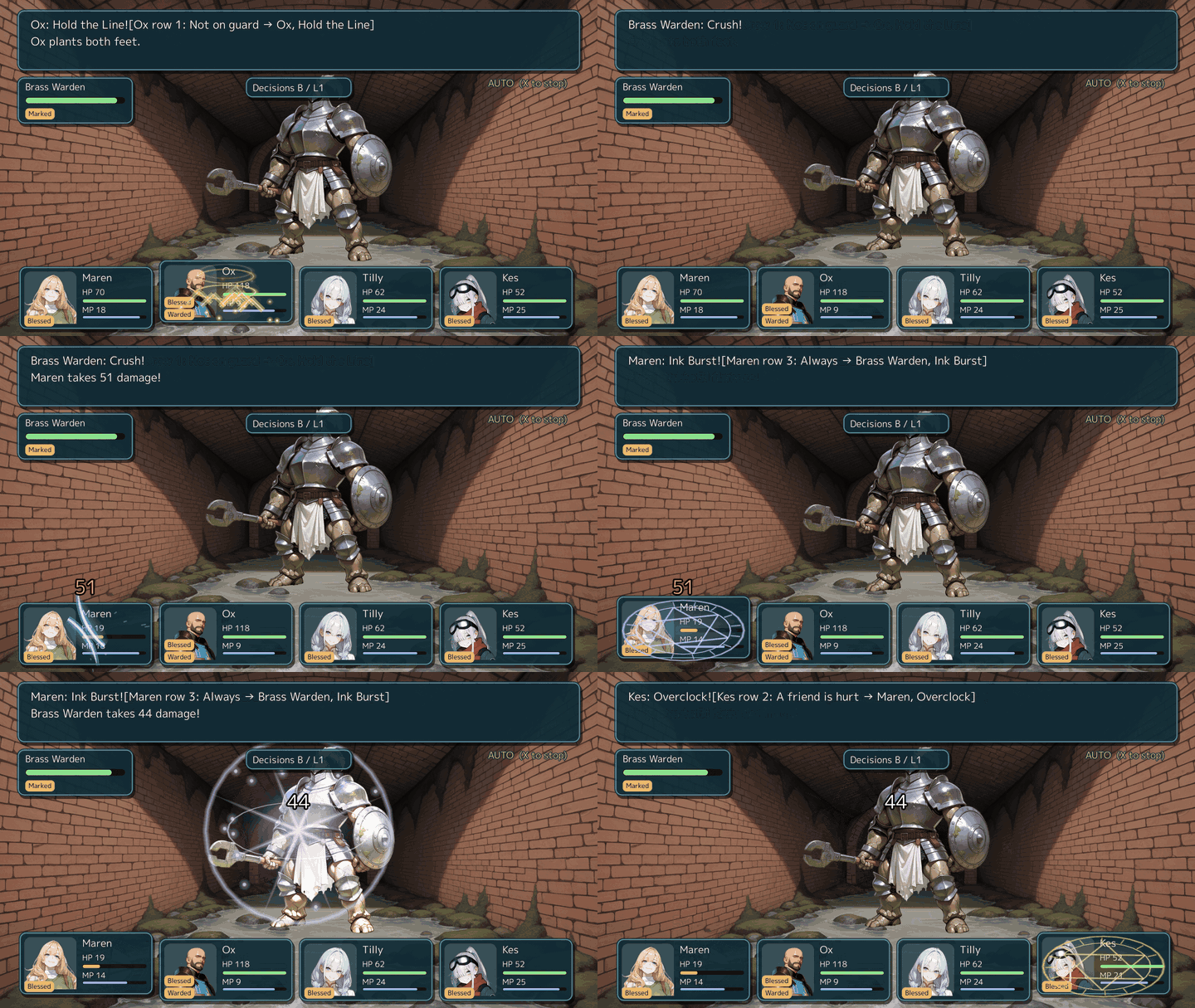 | 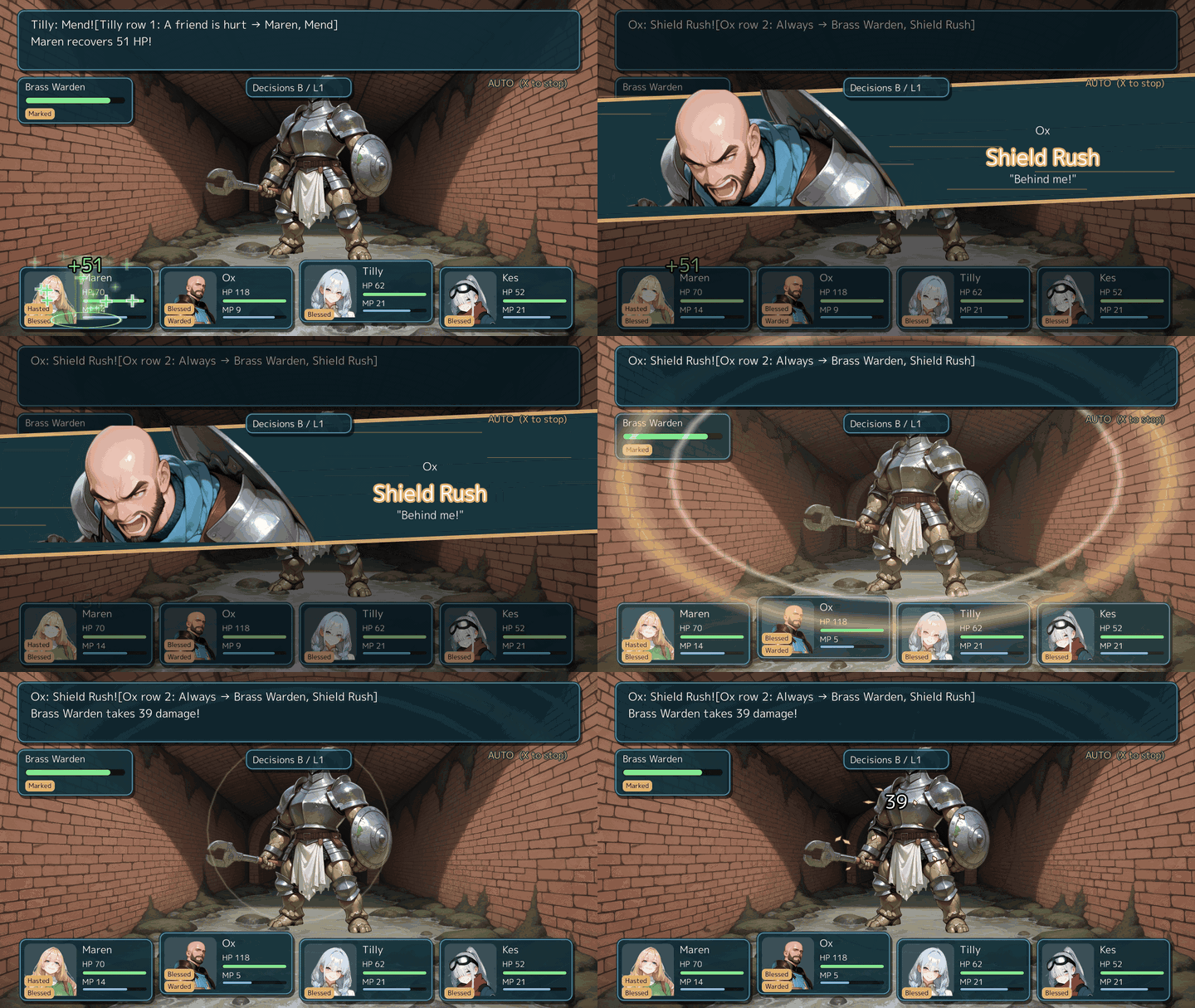 |
| Shop | Skill tree |
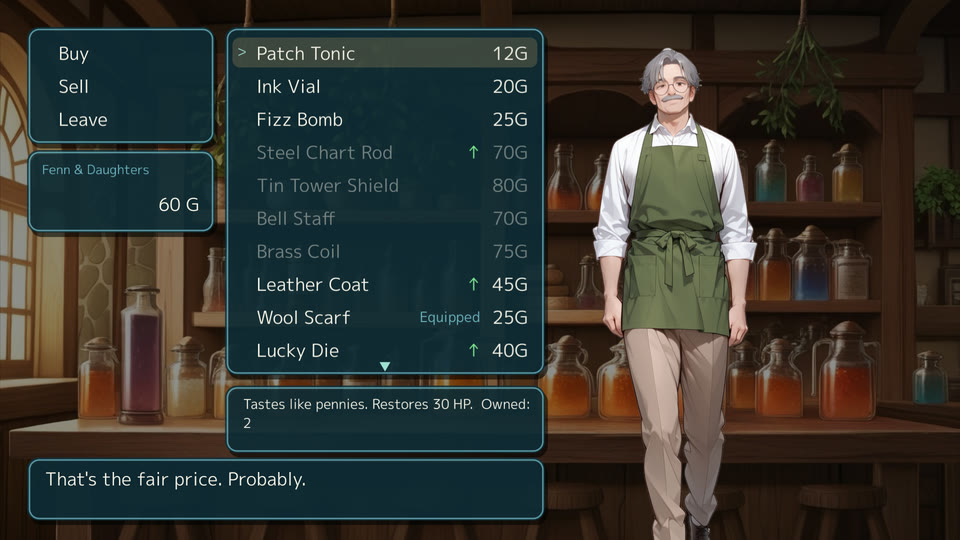 | 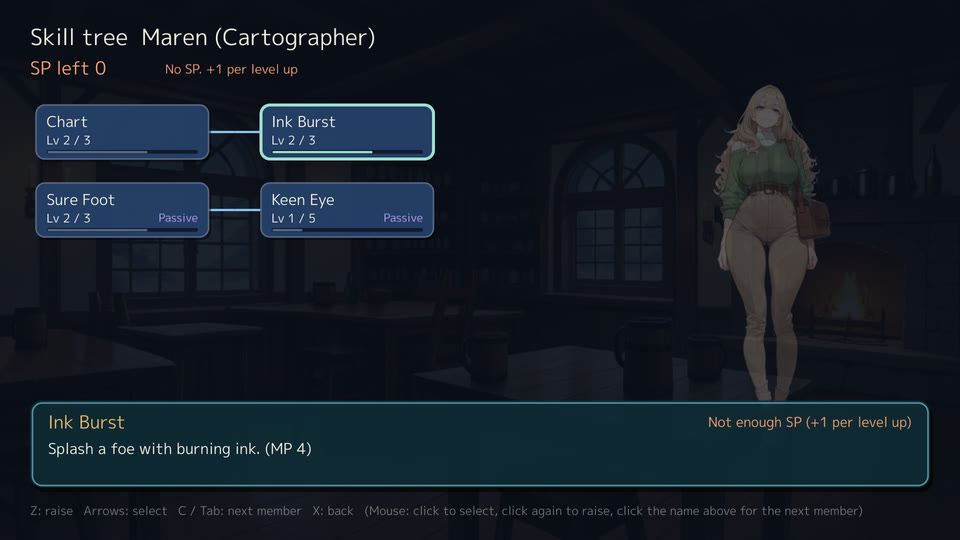 |
| Title | |
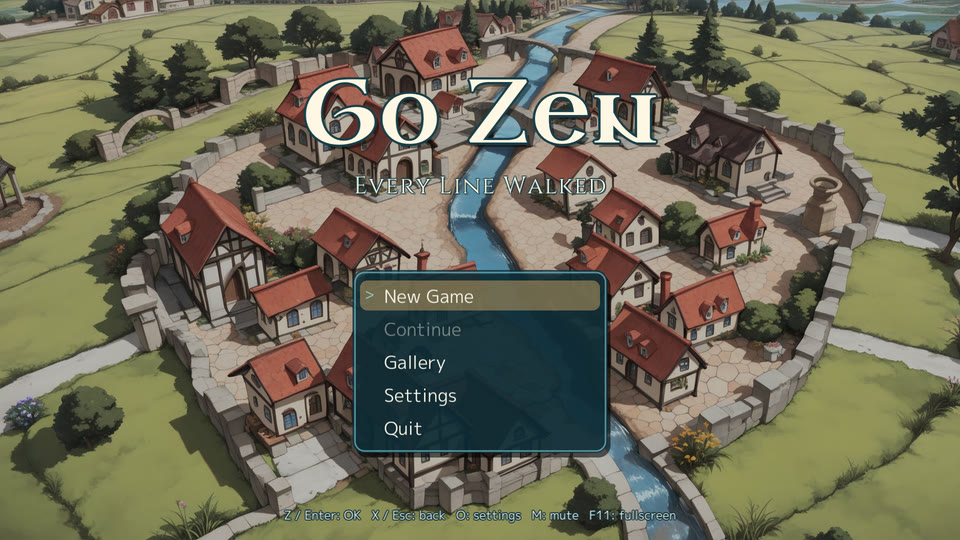 |
Novel games #
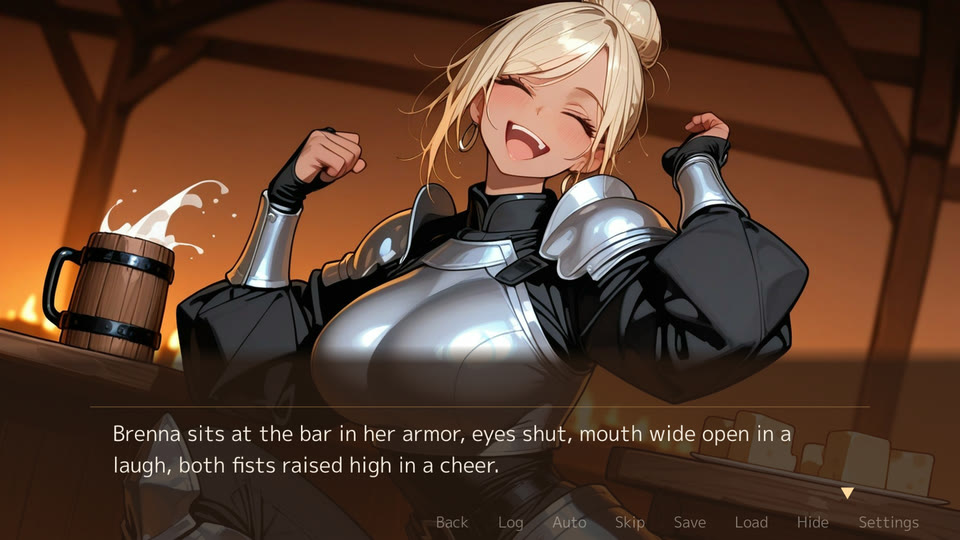
ui.message: novel makes a visual novel. All from After the Pass, the novel sample, at 1920x1080 (Novel games).
| Roll back (Q, wheel) | Skip to the line not read (N) |
|---|---|
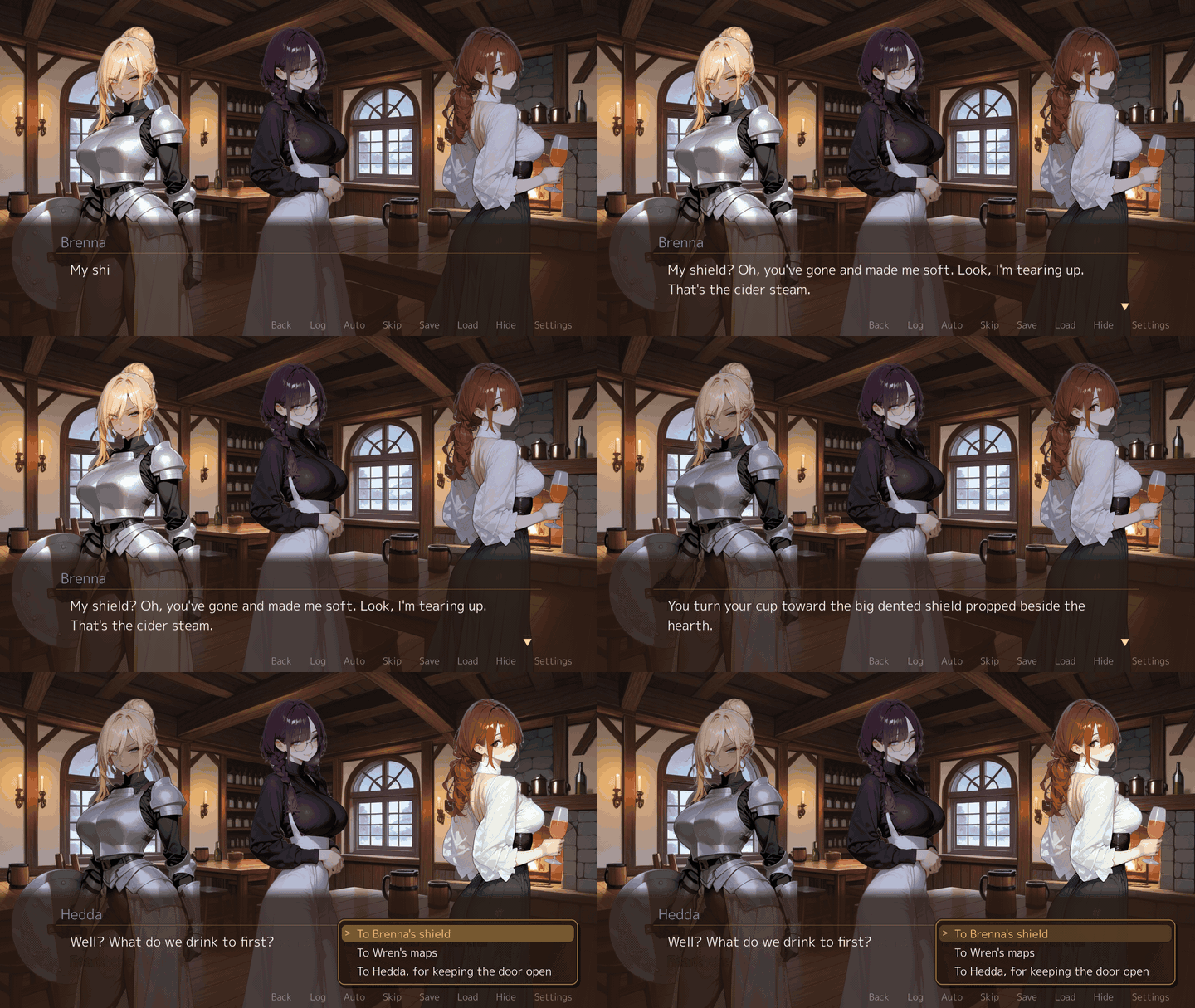 | 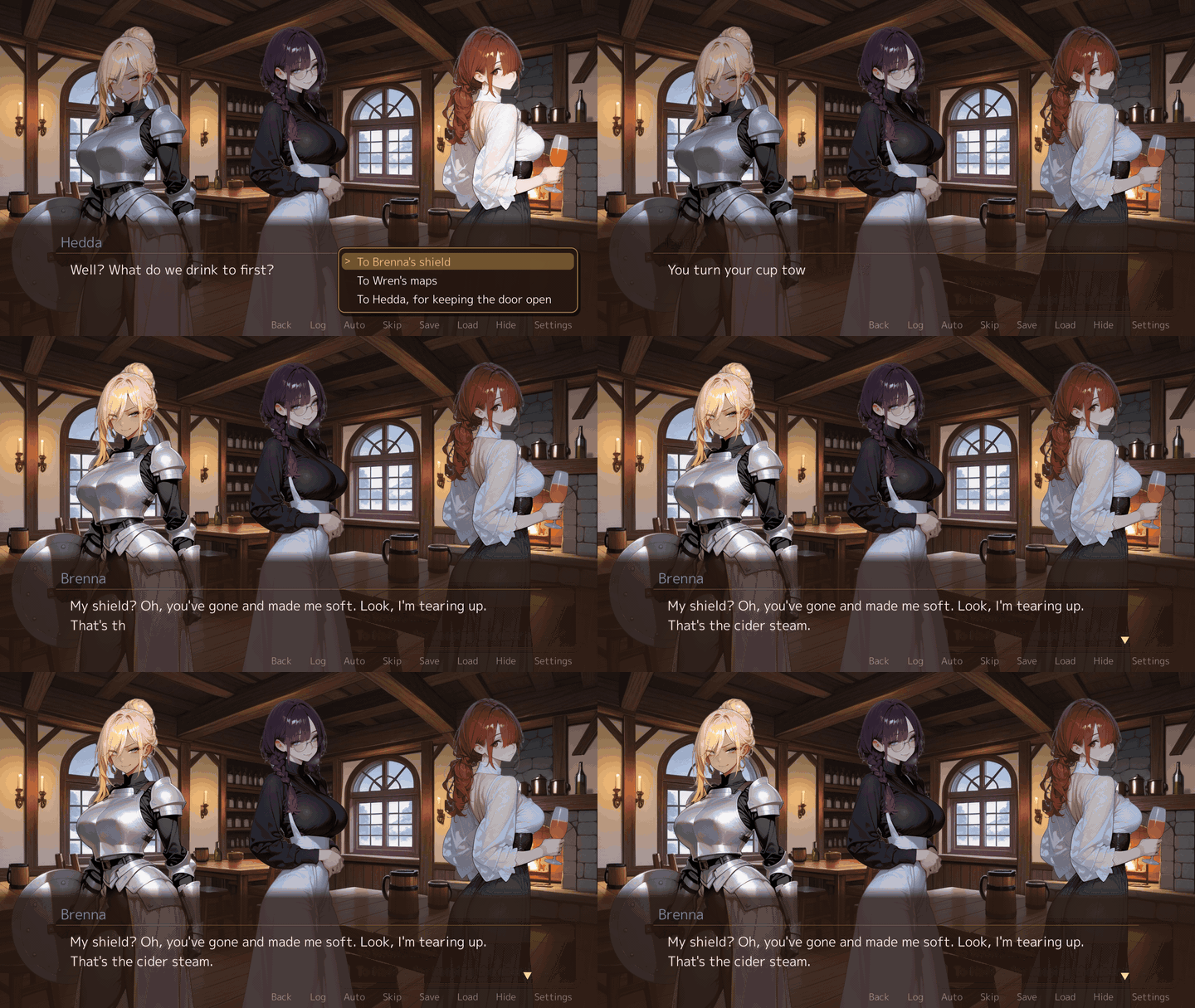 |
| Two languages | Staging (stand, effect) |
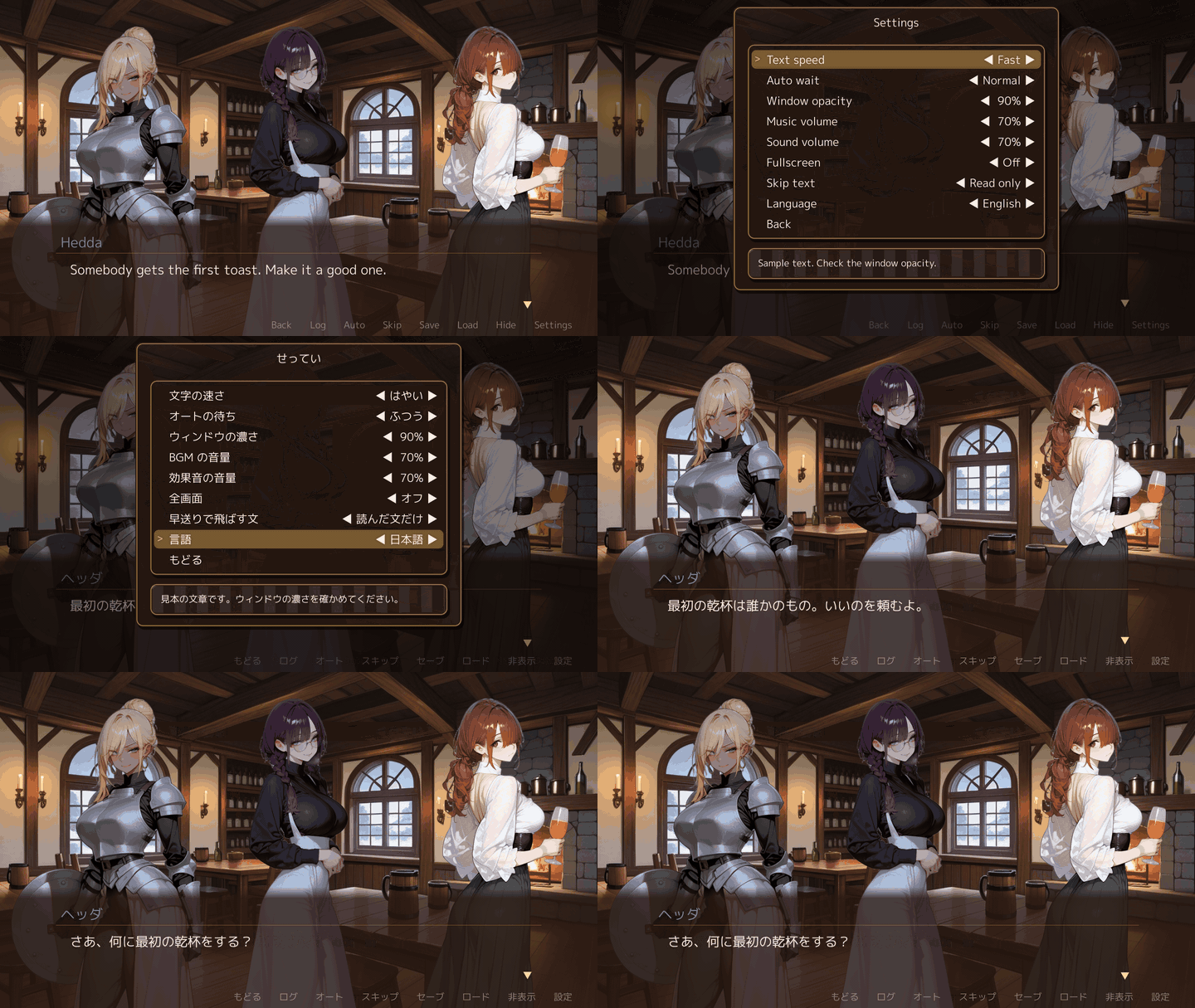 | 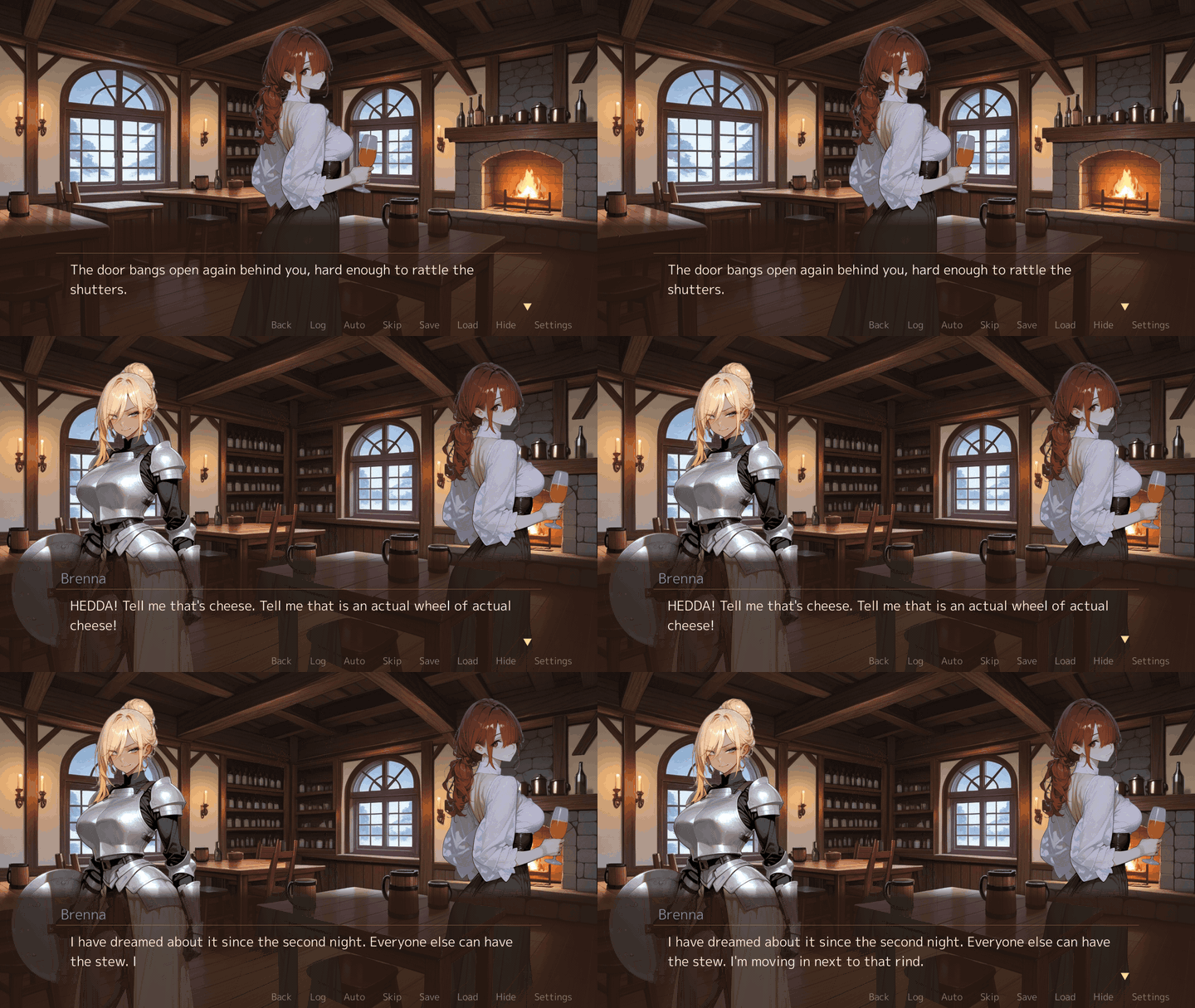 |
| Event picture with its line | |
 |
Campaigns #
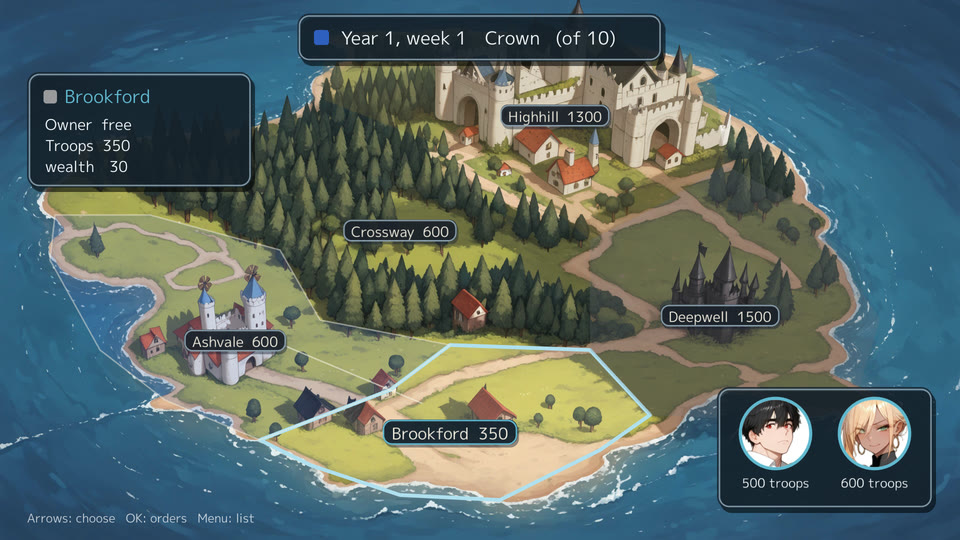
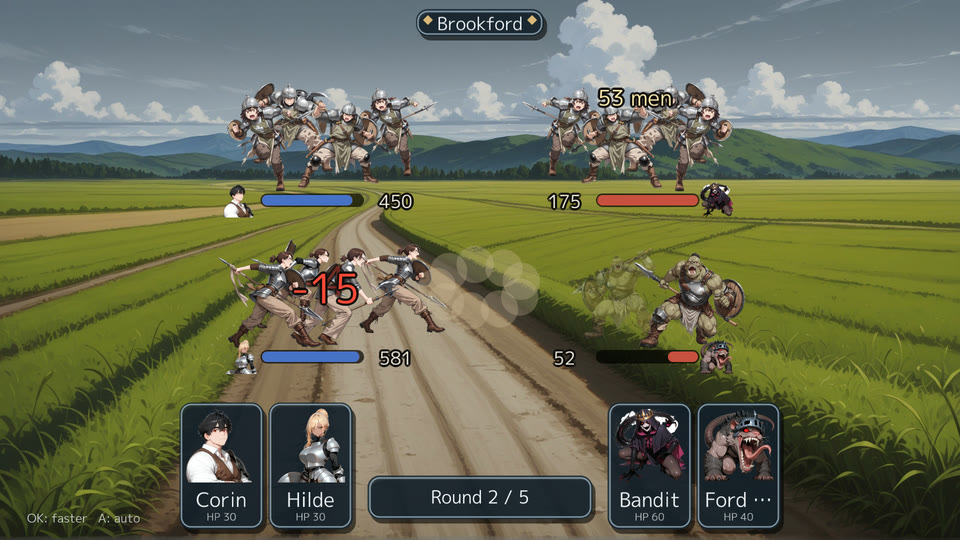
regions, factions and campaign (schema version 5) make a war of regions over turns, with generals, orders and clashes of armies. From Five Banners, the campaign sample.
| The war map | A clash of armies |
|---|---|
 |  |
Playtesting #
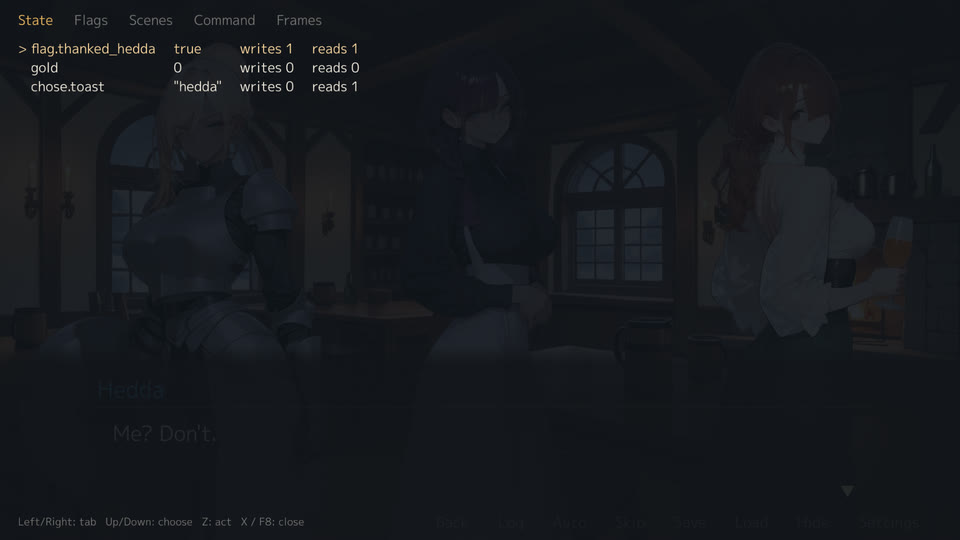
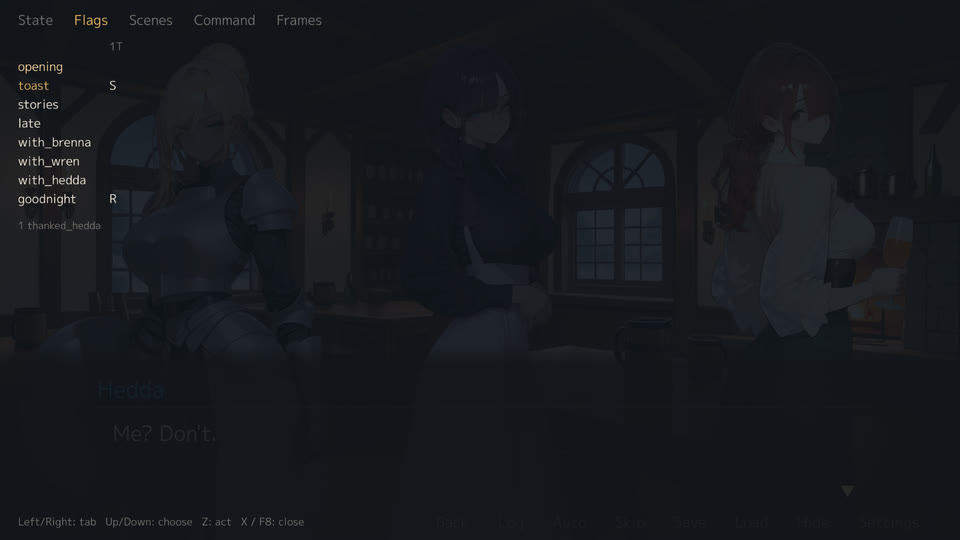
Start the game with --dev and these keys work while you play.
F5: edit the YAML under --dir, the line changes in place | F9: a note with the screen and the state |
|---|---|
 |  |
| F7: win rates of the battles here | F8 State: flip a flag, step a number |
 |  |
| F8 Flags: what each event sets and reads | F8 Scenes: jump to an event |
 | 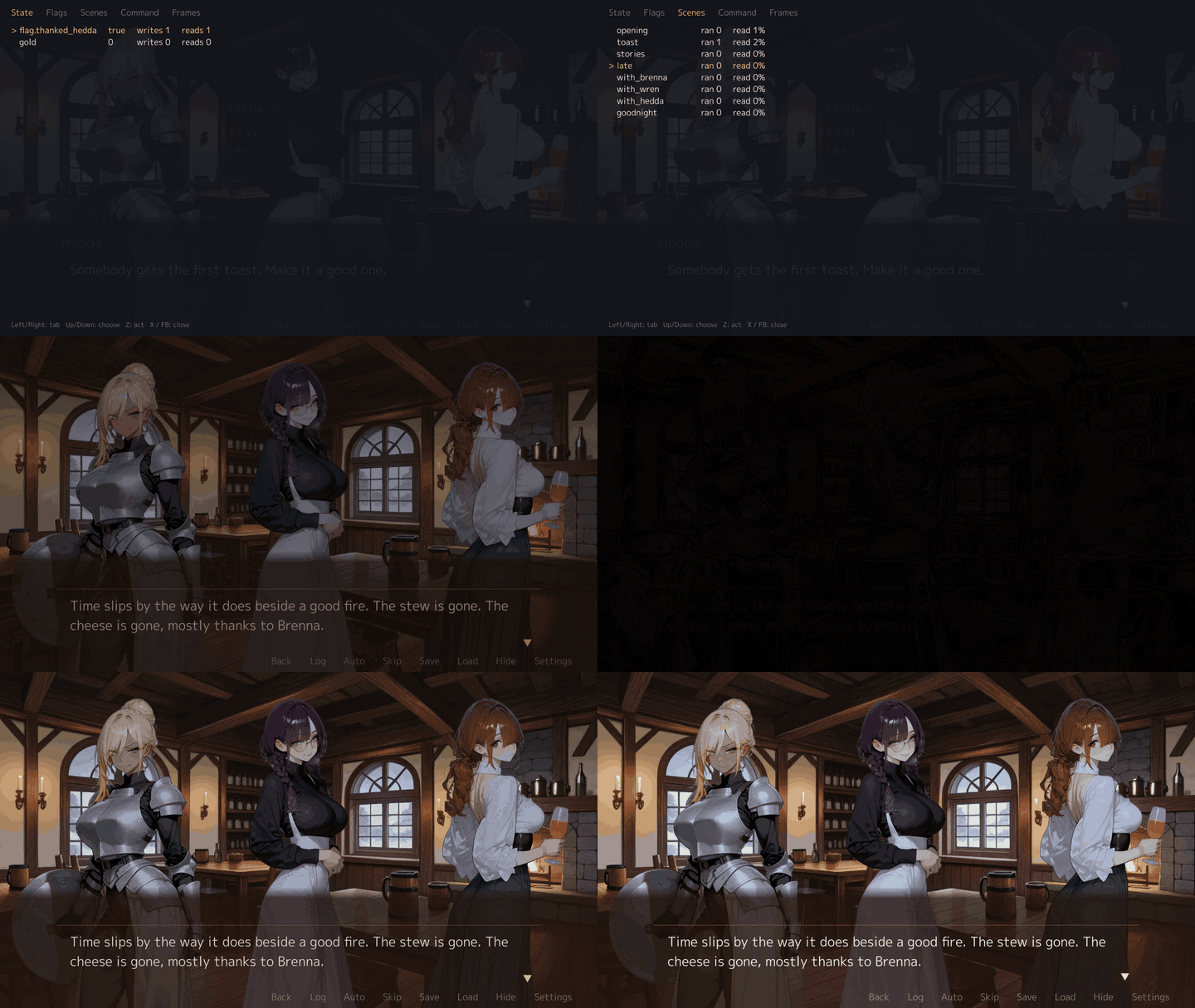 |
| F8 Command: run a line of YAML | F8 Frames: ticks and frames a second, the slowest Update and Draw |
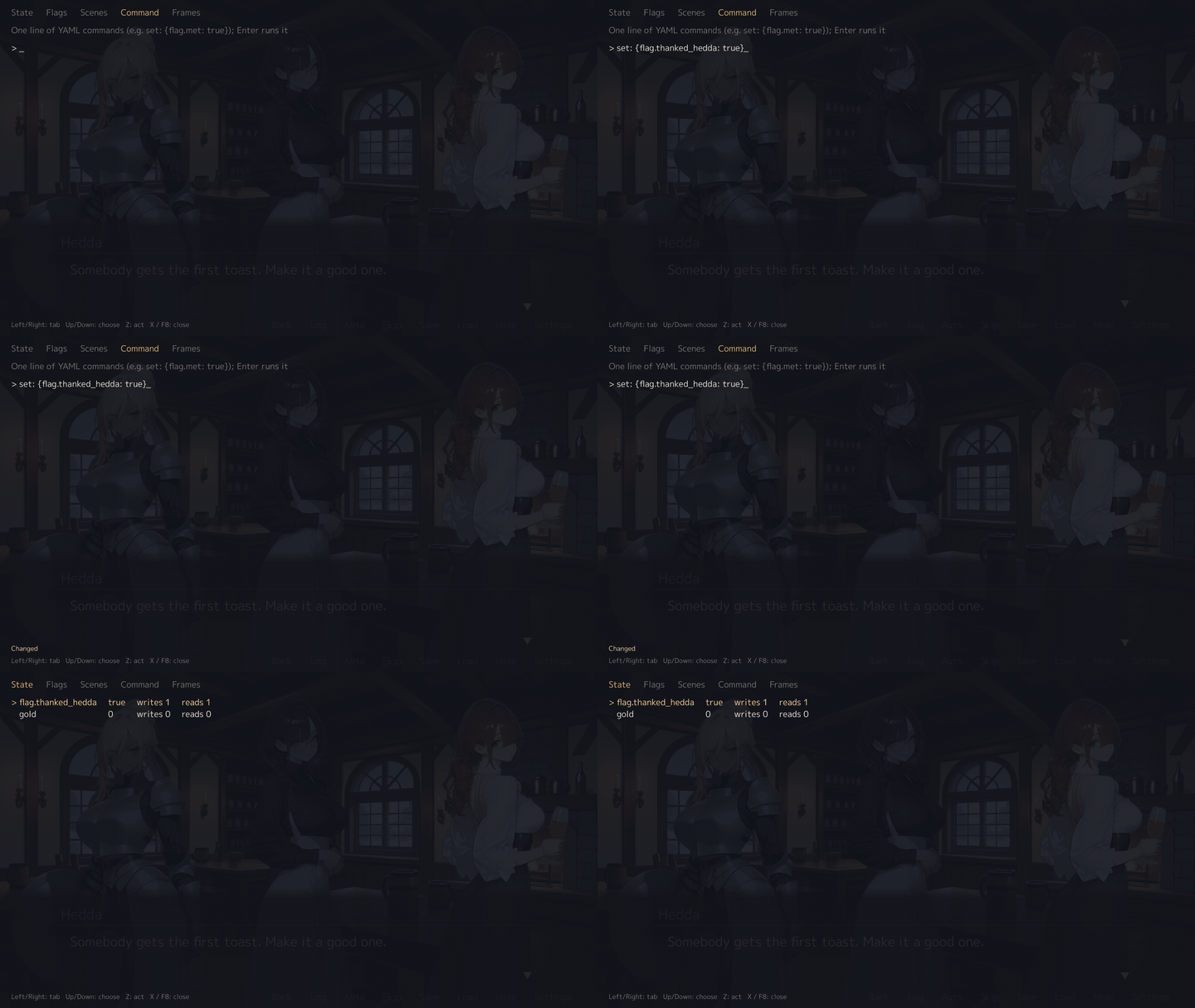 | 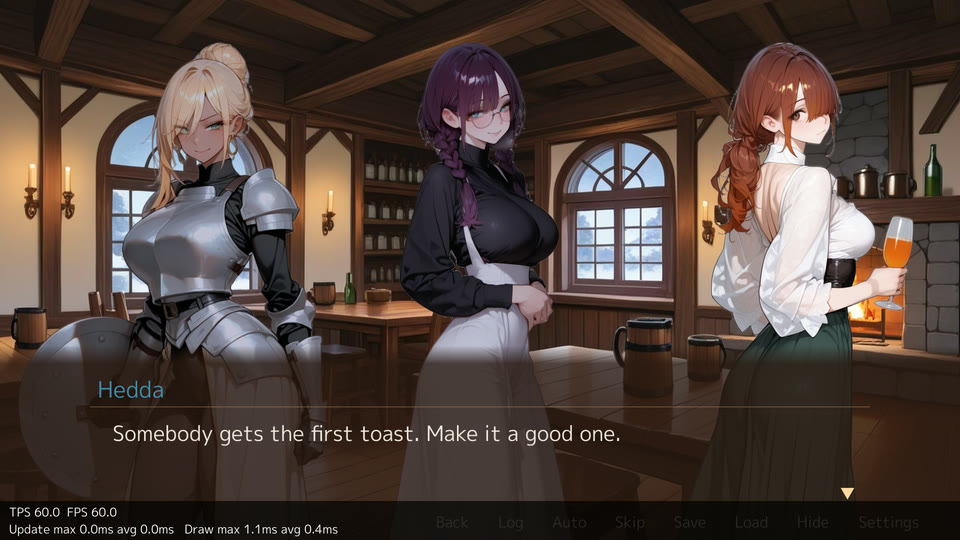 |
| F6: the character book, every page open: each character’s profile, faces and relations | |
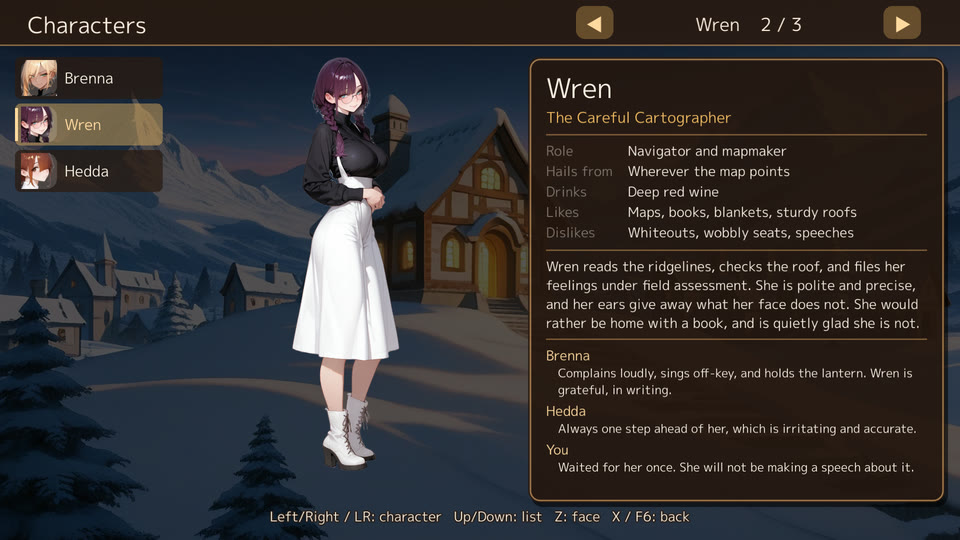 |
More on each key in the edit–play loop.
Where to go #
- Install: the gozen command, the library, and what each OS needs for the window.
- Getting started: run the samples, then start your own game.
- Writing a game: how the YAML is laid out, with expressions and events.
- Schema: every YAML field, its type, default and references.
- The edit–play loop:
--dev, F5, F7, F9, autoplay, traces and notes. - Commands: every
gozensubcommand and its options. - Using AI agents: let an agent write the game and keep
gozen checkgreen. - Go API: headless tests, embedding the runner, reactions and chat, moving portraits.
Features #
- YAML definitions with expressions, conditional events and versioned saves
- Turn-based battles with a party, auto battle and per-enemy tactics
- Skill trees, shops, a field menu and a picture gallery
- First-person grid dungeons, fixed or generated floors
- Moving portraits from one picture and a few difference pictures: blinking, talking, breathing, head, hair and swaying parts, reactions and face changes
- Characters that react to typed words and events, and a chat log
- Campaigns: regions held by factions over turns, orders with generals, a sortie screen with tactics, clashes of armies, and
gozen sim campaignfor the win rate - Dungeon themes:
theme: cavefills a dungeon’s pictures, andgozen theme addcopies them into the game - Visual novels: roll back with the state, skip what was read, save in the middle of a scene, choices read as
chose, staging withstand, and a development panel (F8) for the flags - Engine words in English and Japanese, chosen by
languagein game.yaml, and the game’s own text in two languages - A headless driver that shares the rules with the window
Limitations #
- Gozen is young. The API may change before v1.
- Runtime checks are done on Linux. Windows and macOS are built in CI but not yet played.
- There is no graphical map or event editor; the game is text.
Install #
go install github.com/nao1215/gozen/cmd/gozen@latest
As a library: go get github.com/nao1215/gozen@latest. The install page lists the graphics libraries for each OS.